Advanced Image Recognition Technology
Capture and solve any visual content instantly,from complex diagrams to graphs, and handwritten problems.

250K+
active
users
20M+
questions
solved




Get Visual Problem-Solving Help Anywhere Online
With our advanced screenshot feature, transform any website into a visual learning platform.

250K+
active usersInstall today. It’s free!

Kahoot

Khan Academy

Evernote

Google Docs

Zoom

edX

Linkedin Learning

Coursera

Microsoft Teams

Next-Generation Visual AI Understanding
Our screenshot technology goes far beyond simple text recognition. The advanced visual AI interprets complex diagrams, analyzes mathematical graphs and understands scientific illustrations.

Instant Activation with Custom Shortcuts
Set up your preferred keyboard shortcut combination for lightning-fast screenshot capture.

Comprehensive Visual Content Analysis
From geometric diagrams and statistical charts to laboratory illustrations and architectural drawings, our AI captures and analyzes any type of visual content.
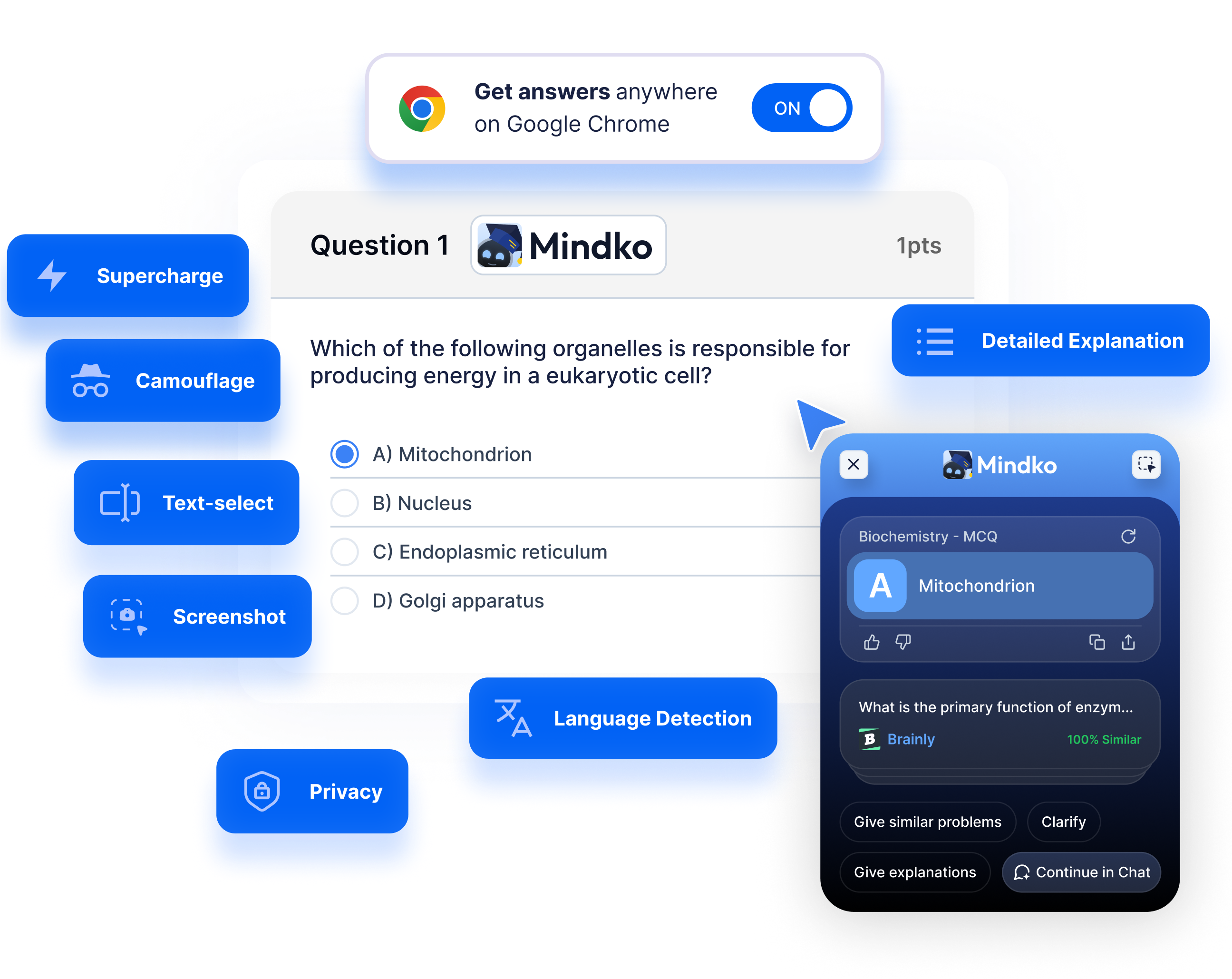
Explore All Our Study Enhancing Features
Discover our complete suite of browser extension tools designed to help students excel academically.
Back to extension pageStill Have Questions?
Simply use your custom keyboard shortcut to activate screenshot mode, then select any visual content on your screen. Our advanced AI instantly analyzes the captured image - whether it's a mathematical equation, scientific diagram, chart, or handwritten problem - and provides detailed explanations and solutions within seconds.
Our AI can analyze virtually any visual academic content including mathematical equations, geometric diagrams, statistical charts, scientific illustrations, laboratory diagrams, handwritten notes, architectural drawings, and complex graphs. It understands both printed and handwritten content across multiple subjects.
Our image recognition technology uses advanced AI algorithms specifically trained for educational content. While highly accurate for most academic materials, we recommend reviewing the analysis for critical assignments. The system continuously improves its recognition capabilities across different handwriting styles and diagram types.
Yes! The screenshot feature works universally across all websites and applications on your computer. Whether you're viewing course materials, research papers, online textbooks, or any other educational content, you can capture and analyze visual elements from anywhere on your screen.
The basic screenshot feature allows multiple captures per day with our free browser extension. For unlimited screenshot analysis, detailed breakdowns, and priority processing of complex visual content, upgrade to Mindko Pro for enhanced visual recognition capabilities.


Ready to fast-track your homework?
Save hours on homework and never worry about exams ever again.